Platform Features
Fine Art Logistics & Warehouse Management Software Features
ArtWMS connects fine art inventory, warehouse operations, customer communication, transport planning, and billing. From an electronically approved estimate to collection, storage, delivery, and payment, the team can work with connected customer, artwork, and job records.
Office staff, warehouse teams, customer service representatives, and drivers have the operational context they need without reconstructing each job from separate messages and spreadsheets.
Inventory Tracking
ArtWMS connects fine art inventory records with warehouse locations, crates, jobs, and movement history. Staff can search for an artwork, check its recorded location, and review how it got there.
Warehouse audits compare the recorded inventory with what staff physically scan at each location. When something is out of place, the team can investigate the exception before a pickup, transfer, or release.
- RFID reading and QR code scanning for check-in and check-out
- Precise location tracking within your warehouse down to rack and shelf
- Search by artist, medium, dimensions, or client
- Recorded location and movement history for each artwork
- Warehouse audits to reconcile physical inventory with recorded locations
Condition Reporting
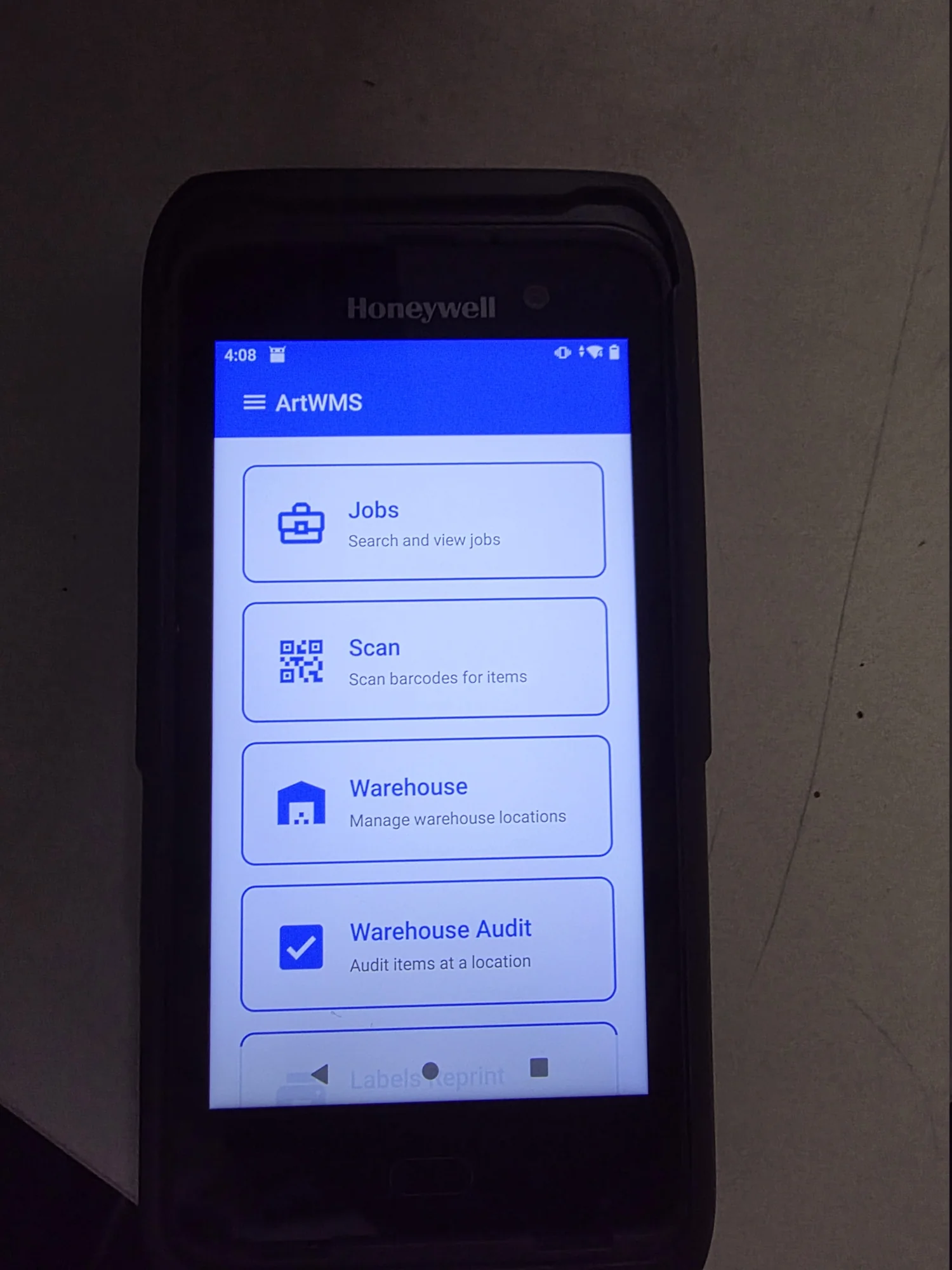
Create digital condition reports with photographs, annotations, and AI-assisted review. During intake and later handling, staff can document visible issues such as paint chips, scratches, dents, and scuffs, then review AI suggestions before saving the report.
Annotated photos and reports stay connected to the artwork record, so authorized staff can review condition evidence alongside its packing and movement history when questions arise.
- Photo documentation with annotation tools for precise damage marking
- Record pre-existing condition for later comparison
- Side-by-side before and after comparison views
- AI-assisted review to help identify and document visible surface conditions
- PDF report generation for client and insurer distribution
Crating Management
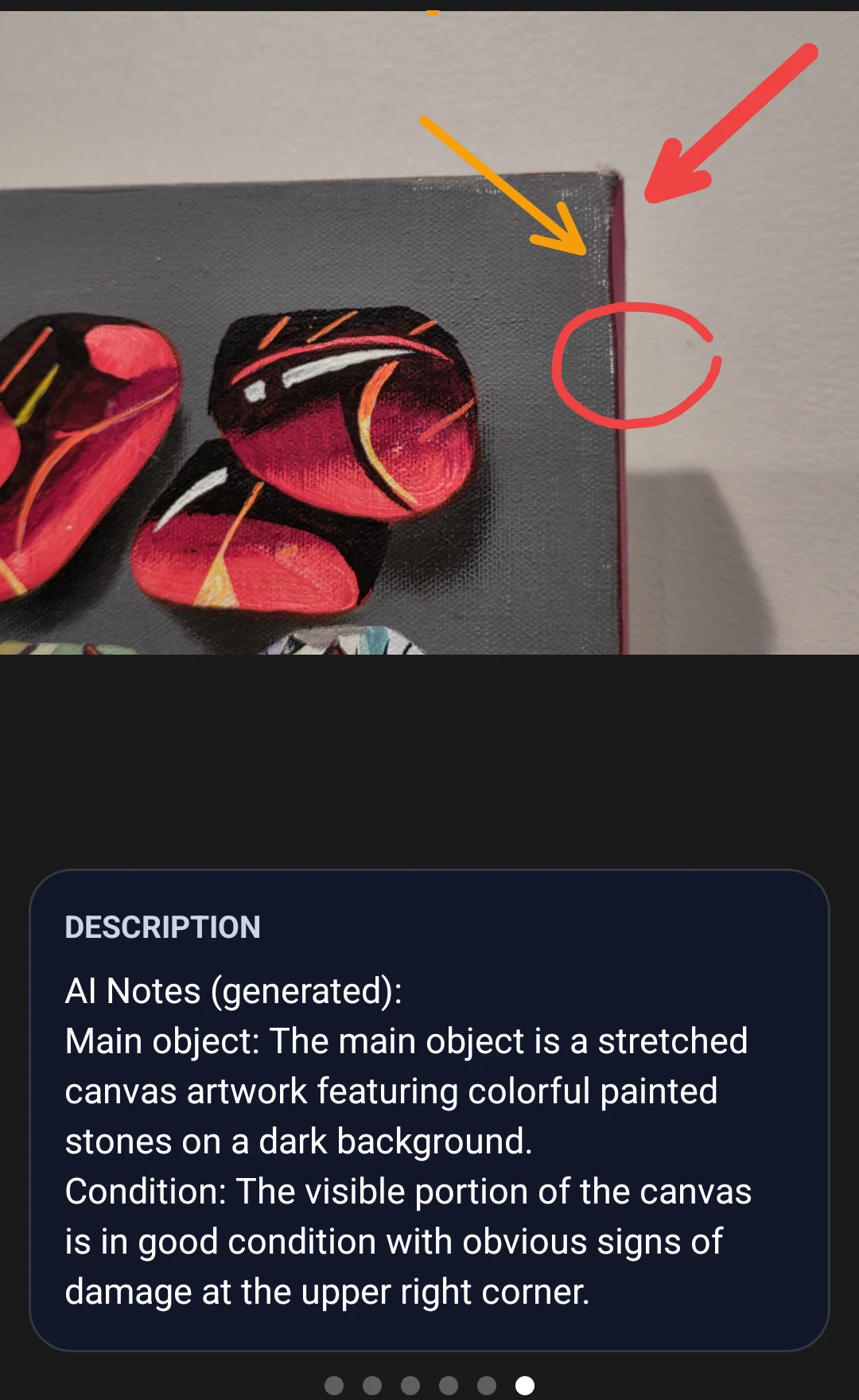
Record crate specifications, materials, and build instructions alongside the artworks packed inside. Teams can review a crate's history before deciding whether to reuse it for another job.
Keep each artwork linked to its crate and recorded contents, whether the work is in storage, in transit, or being prepared for its next installation.
- Custom crate dimension specifications and material requirements
- Materials inventory tracking with automatic reorder alerts
- Crate history to help teams decide when a crate can be reused
- Build instructions and assembly documentation for your team
Insurance Documentation
During an insurance review, authorized staff can bring the artwork's recorded value, condition photographs, job documents, packing details, and item history together. ArtWMS item history shows time-stamped record changes, work-order links, and location moves—including when an artwork moves from a warehouse room into a crate.
This operational timeline helps staff reconstruct what happened and assemble documents for a customer, broker, or insurer. It records activity; the applicable policy and service agreement determine actual coverage.
- Record the party responsible for insurance on the customer account
- Store the artwork value with its item record
- Attach relevant photographs and supporting documents to the artwork or job
- Retrieve condition, location, packing, and movement history for authorized review
- Review time-stamped item edits and links to jobs or work orders
- See direct location moves and crate-related movement in the item timeline
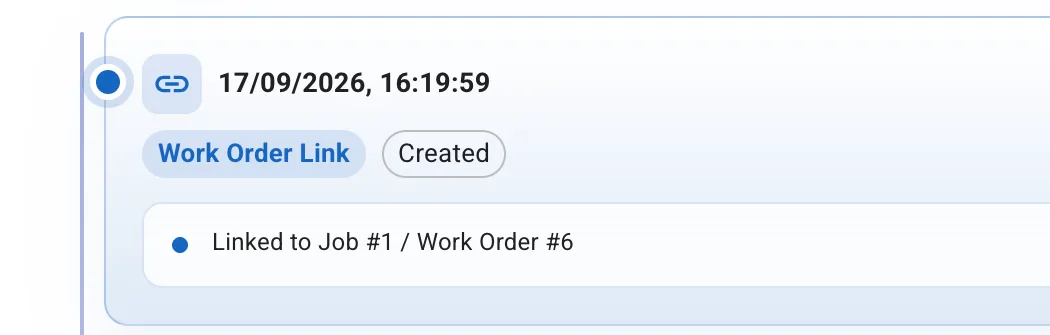
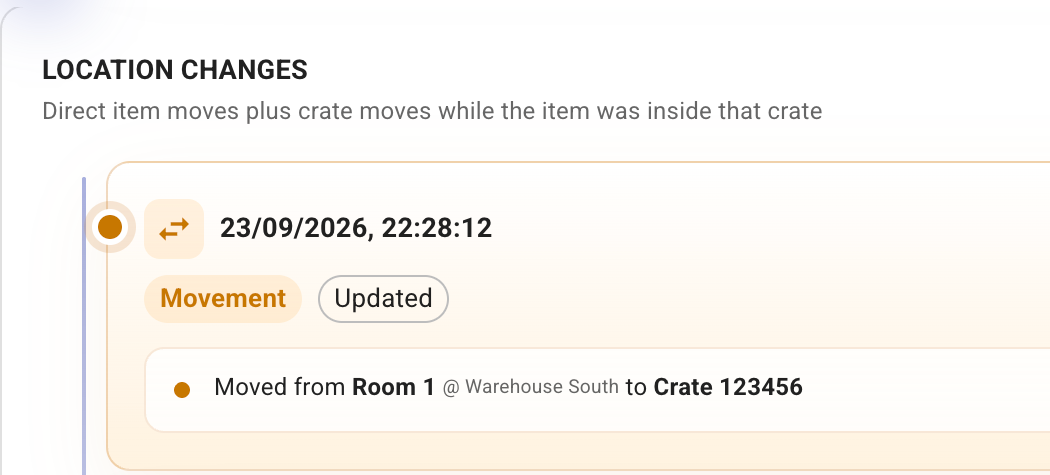
Actual ArtWMS item-history views: work-order activity and a move from a warehouse room into a crate. Email identities are omitted.
Climate Monitoring
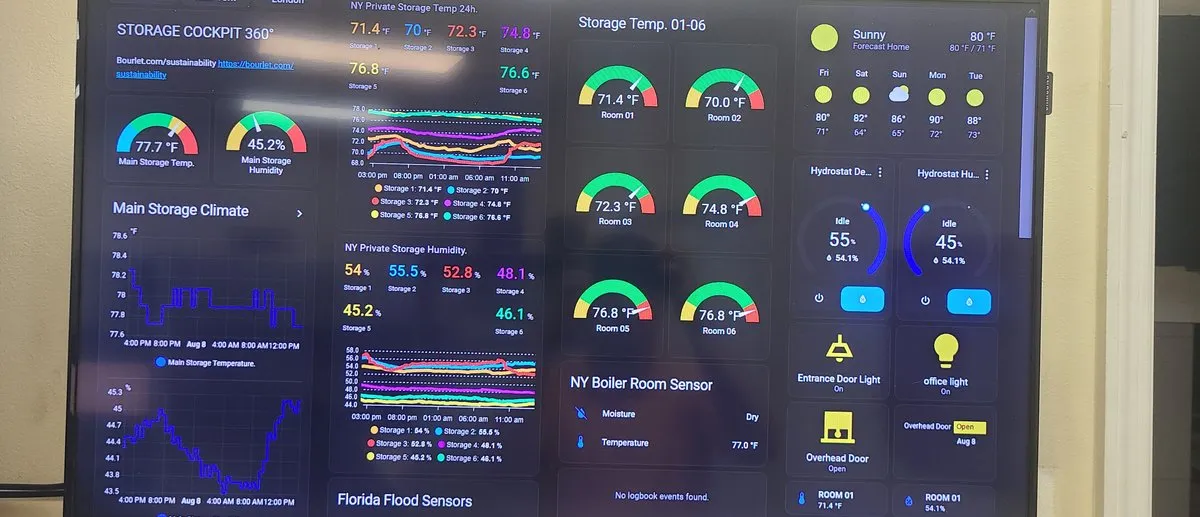
Monitor temperature and humidity across configured storage zones, receive threshold alerts, and retain environmental history for authorized operational review.
- Real-time temperature and humidity monitoring across configured storage zones
- Email and SMS alerts when configured thresholds are crossed
- Historical environmental data with trend analysis and reporting
- Exportable environmental history for client, insurer, and internal review
Job Handling
Connect customer instructions, artwork, work orders, required dates, transport details, documents, signatures, and charges within the same job record.
From collection and packing to transport, installation, and return, coordinators can keep the office and field teams working from the same job context. Job-connected charges support invoicing when the work is ready to bill.
- Required dates and operational context from collection through delivery
- Account contacts, shippers, consignees, trucks, and personnel kept with the work
- Collection, delivery, handling, packing, return, and transfer workflows
- Instructions, internal notes, carrier references, and supporting documents
Customer Communication & CRM
When a customer calls, the conversation should start with their job—not a search for their details.
ArtWMS displays the calling customer's information, recent communication, and associated jobs in a pop-up. Staff can make and receive calls through ArtWMS, while customers can communicate with customer service representatives and drivers by phone or SMS.
Customer messages and internal staff notes remain connected to the relevant work. A CSR can take responsibility for a conversation or send an assignment to another colleague through internal notes. Individual notes can be marked private to restrict visibility to other CSRs, while super administrators retain access.
- Incoming-call pop-up with customer, communication, and job context
- Two-way customer SMS and telephone communication
- Internal notes and assignments between customer service staff
- Individual private notes with super-administrator oversight
- Automatic or manually sent collection and delivery notifications
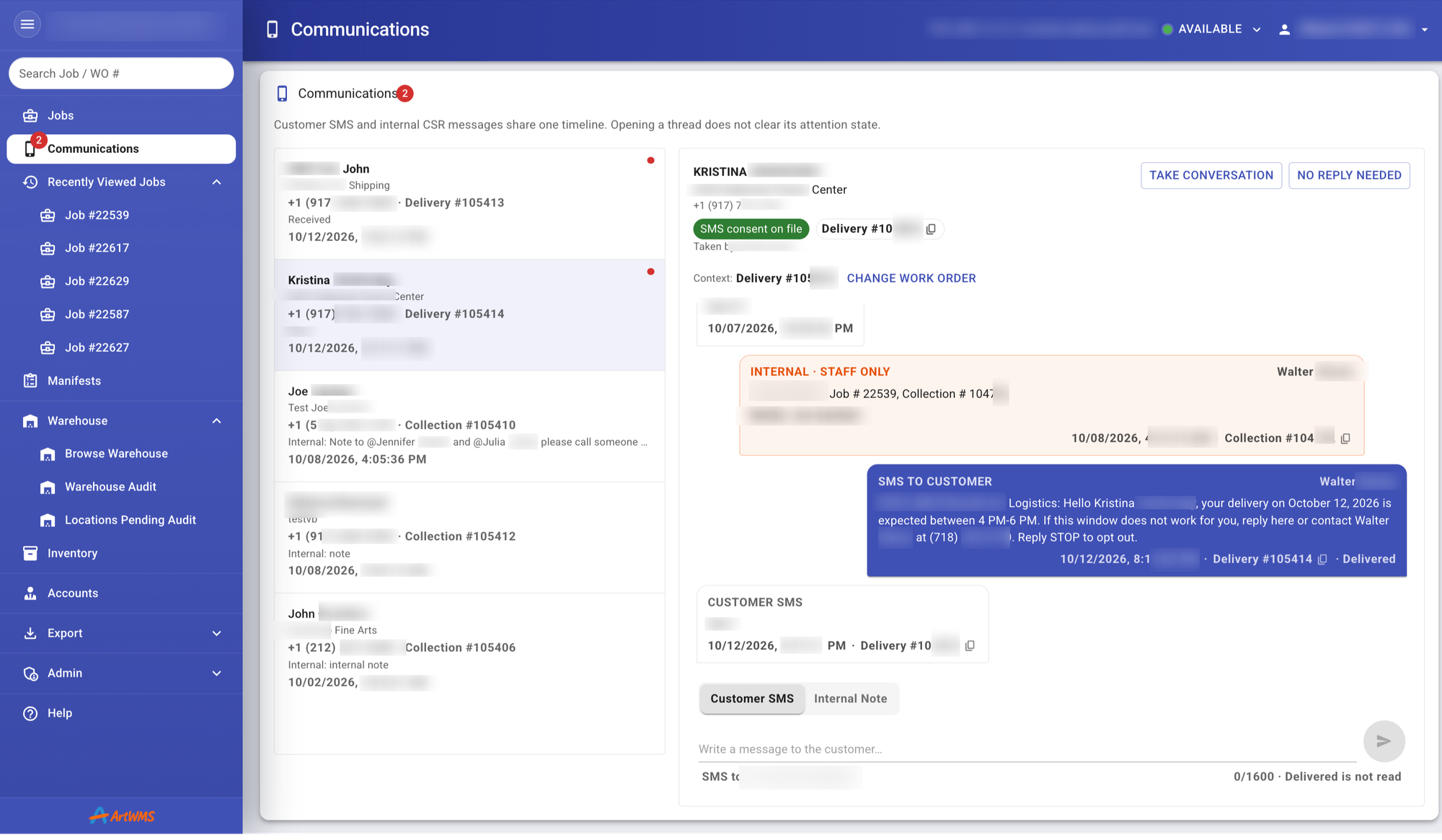
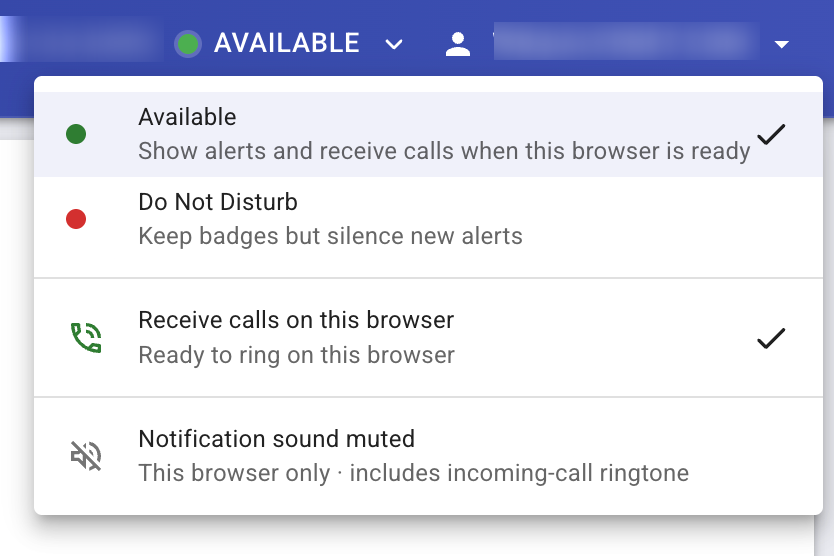
Customer SMS and internal staff notes alongside the related work order. Identifying customer and contact details are obscured.
Manifest Planning, Scheduling & Dispatch
Fine art transport has to account for more than driving time. A delivery may depend on a gallery's receiving hours, an installation appointment, building access, or the time needed to unpack and remove a crate.
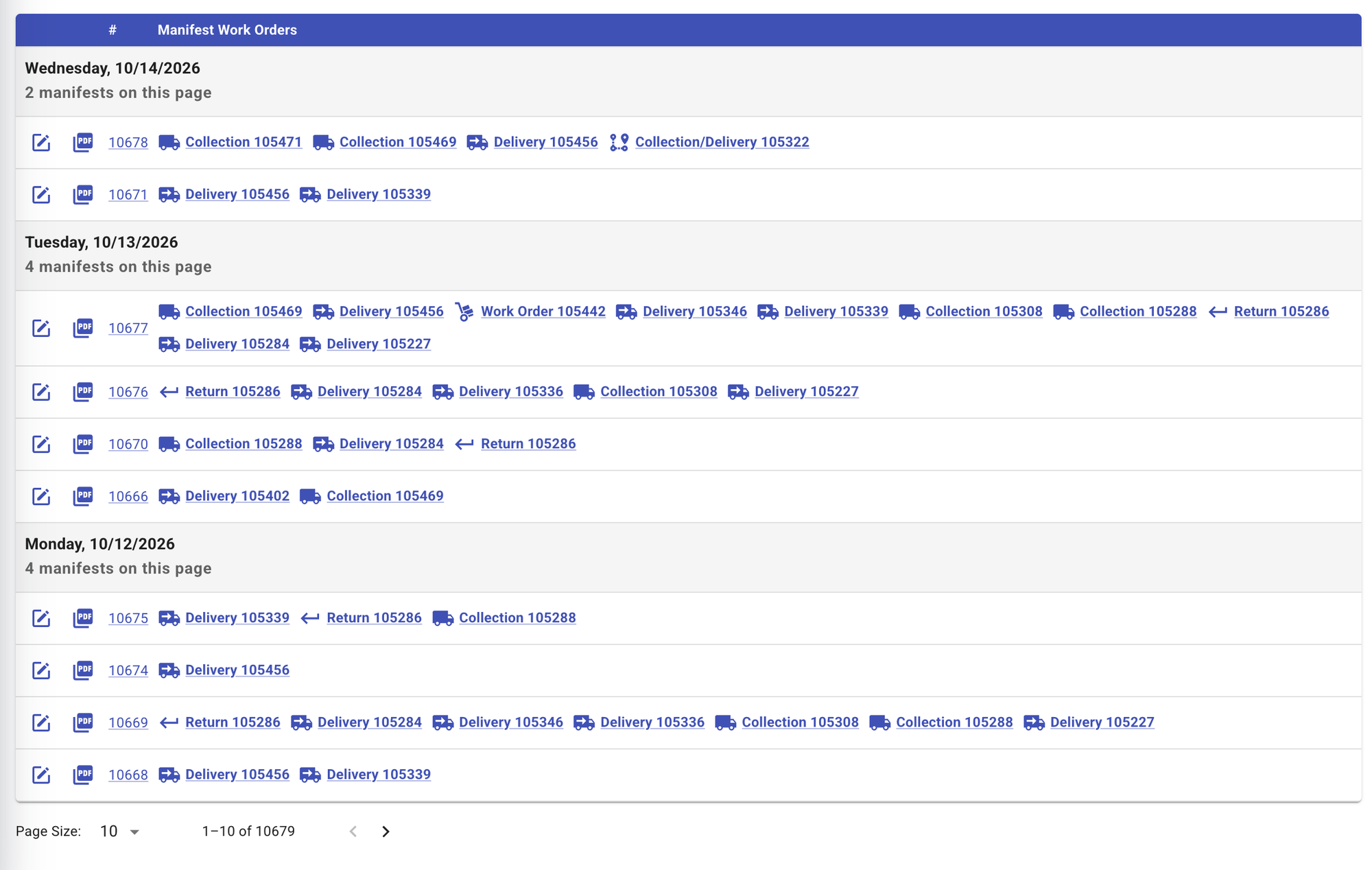
ArtWMS brings work orders into dated manifests with the assigned truck, personnel, stop sequence, and instructions. Dispatchers can review route maps and traffic-based arrival estimates alongside arrival windows and the expected time spent at each stop.
The manifest schedule provides a date-by-date view of transport work, with direct access to the associated collections, deliveries, returns, and work orders. Downloadable manifest PDFs give crews a practical reference for the day's work.
Customer notifications connect the plan to the people expecting the delivery. Messages can be sent automatically or by dispatch, and customers can reply to coordinate with the team.
- Dated manifests with direct links to the scheduled work orders
- Assigned trucks, personnel, stop sequence, and handling instructions
- Route maps and traffic-based arrival estimates
- Arrival windows and service duration for each physical stop
- Downloadable manifest PDFs for the crew
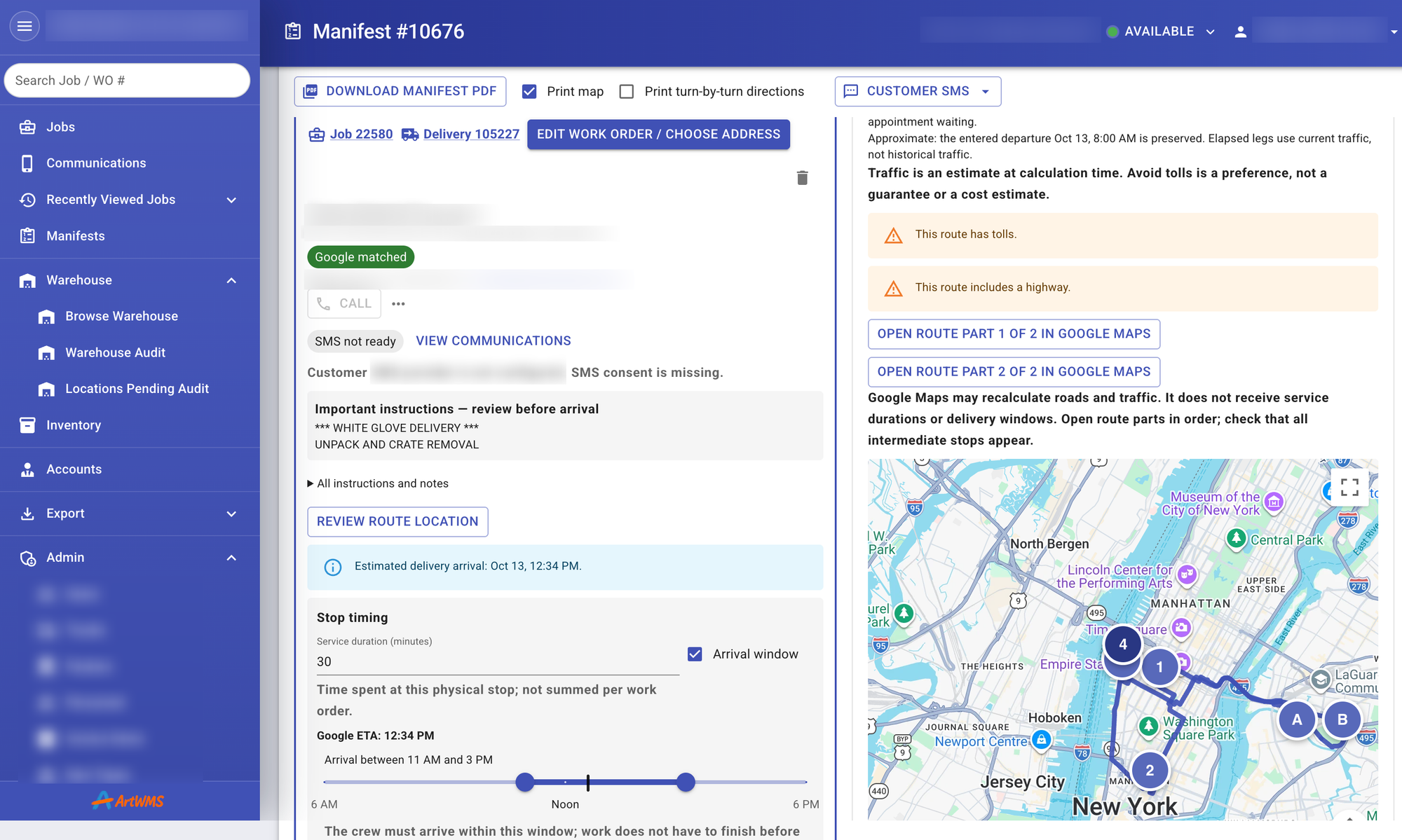
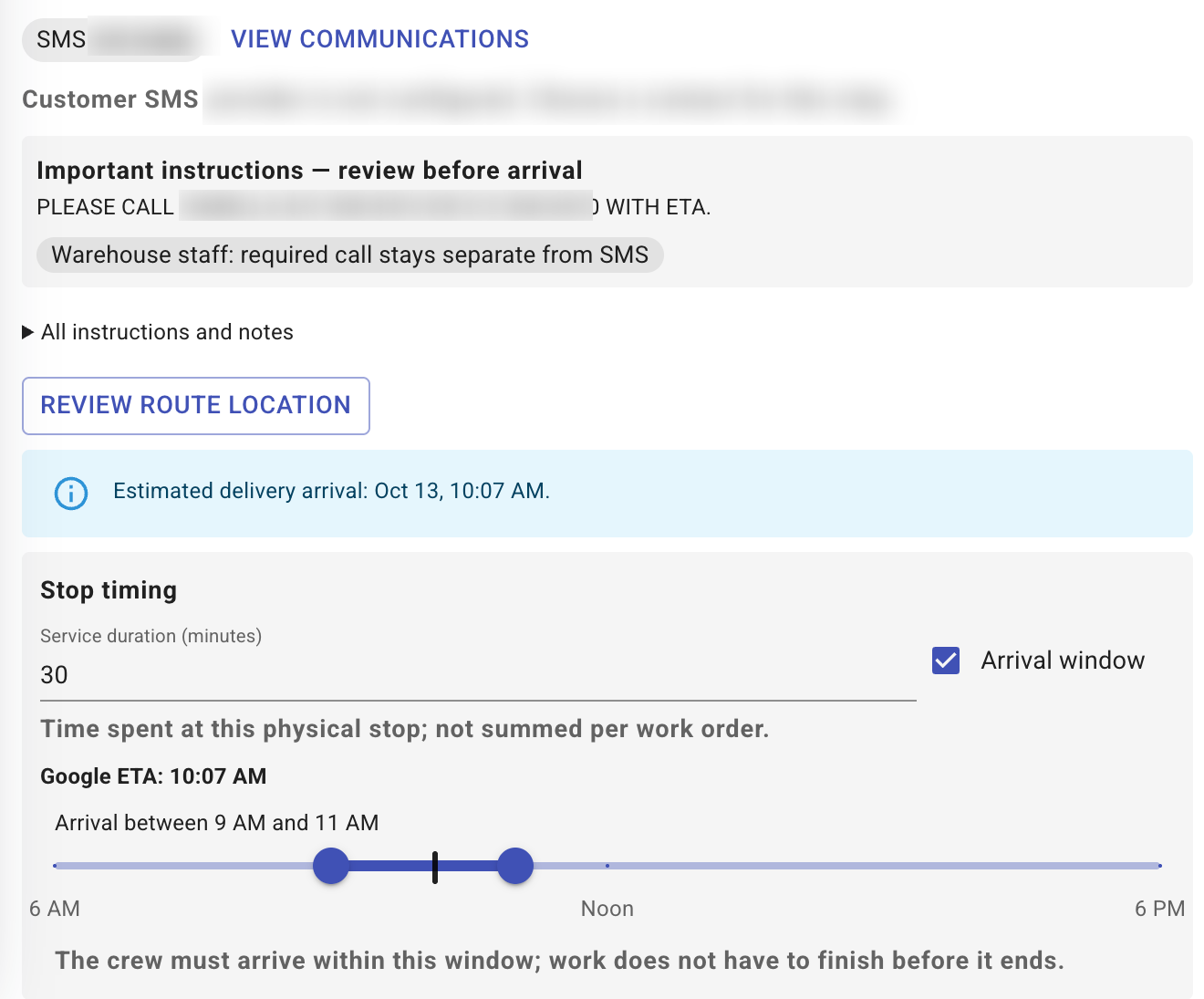
A route map and arrival window shown beside the work-order instructions and stop duration. Traffic-based arrival times are planning estimates.
AI-Assisted Intake and Condition Reporting
ArtWMS helps staff capture details in the field, review visible condition issues, and find relevant records. Natural-language search, voice intake, AI-assisted condition review, and anomaly detection support the work; staff review suggested details before saving them.
- Natural-language search for collection, storage, and movement records
- Voice-first field intake for capturing object details, handling notes, and conditions onsite
- AI-assisted condition review to help document visible issues like paint chips, scratches, and dents
- Anomaly detection for missing steps, unexpected movements, and workflow exceptions
Connected Art Logistics Workflows
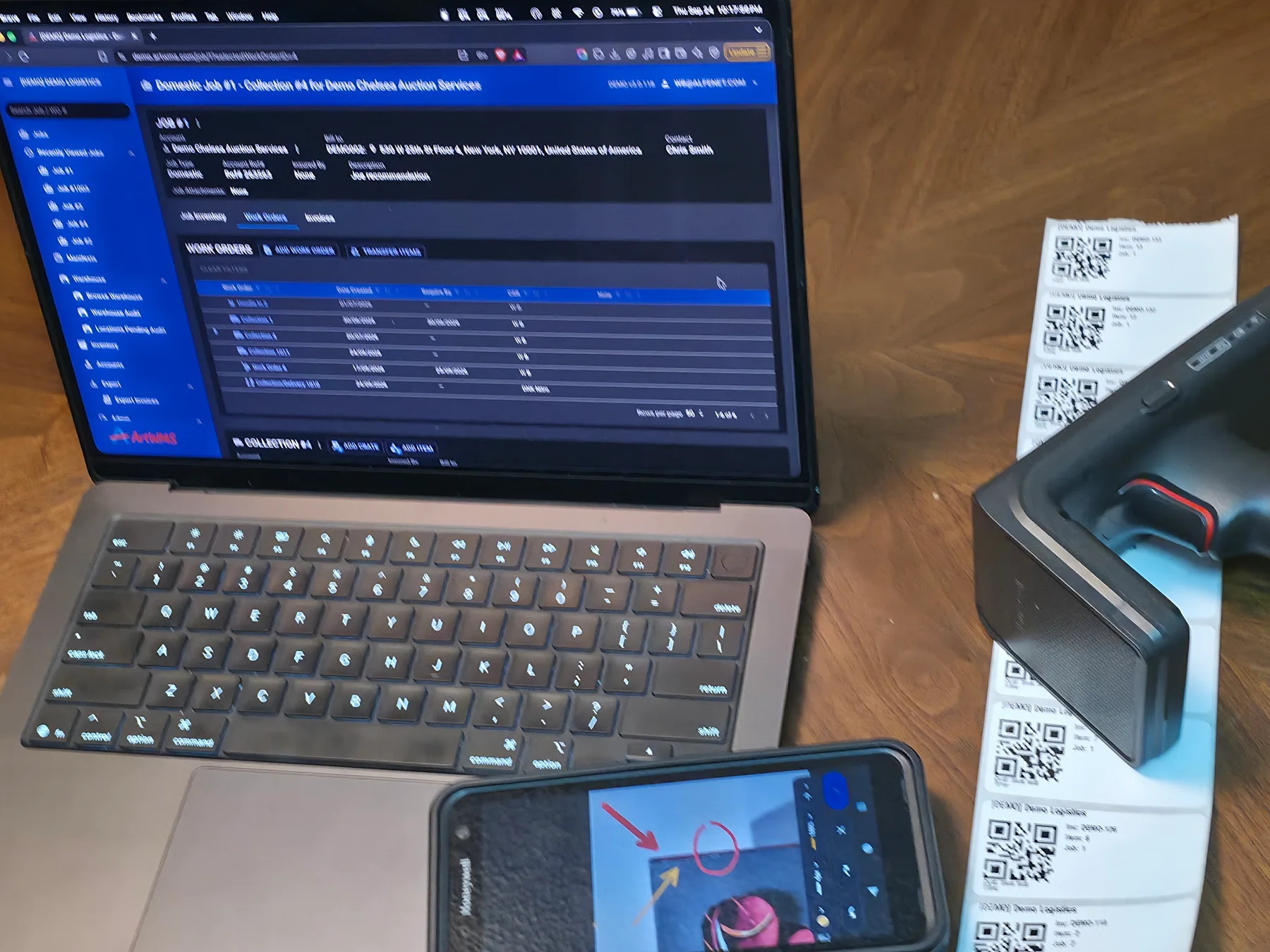
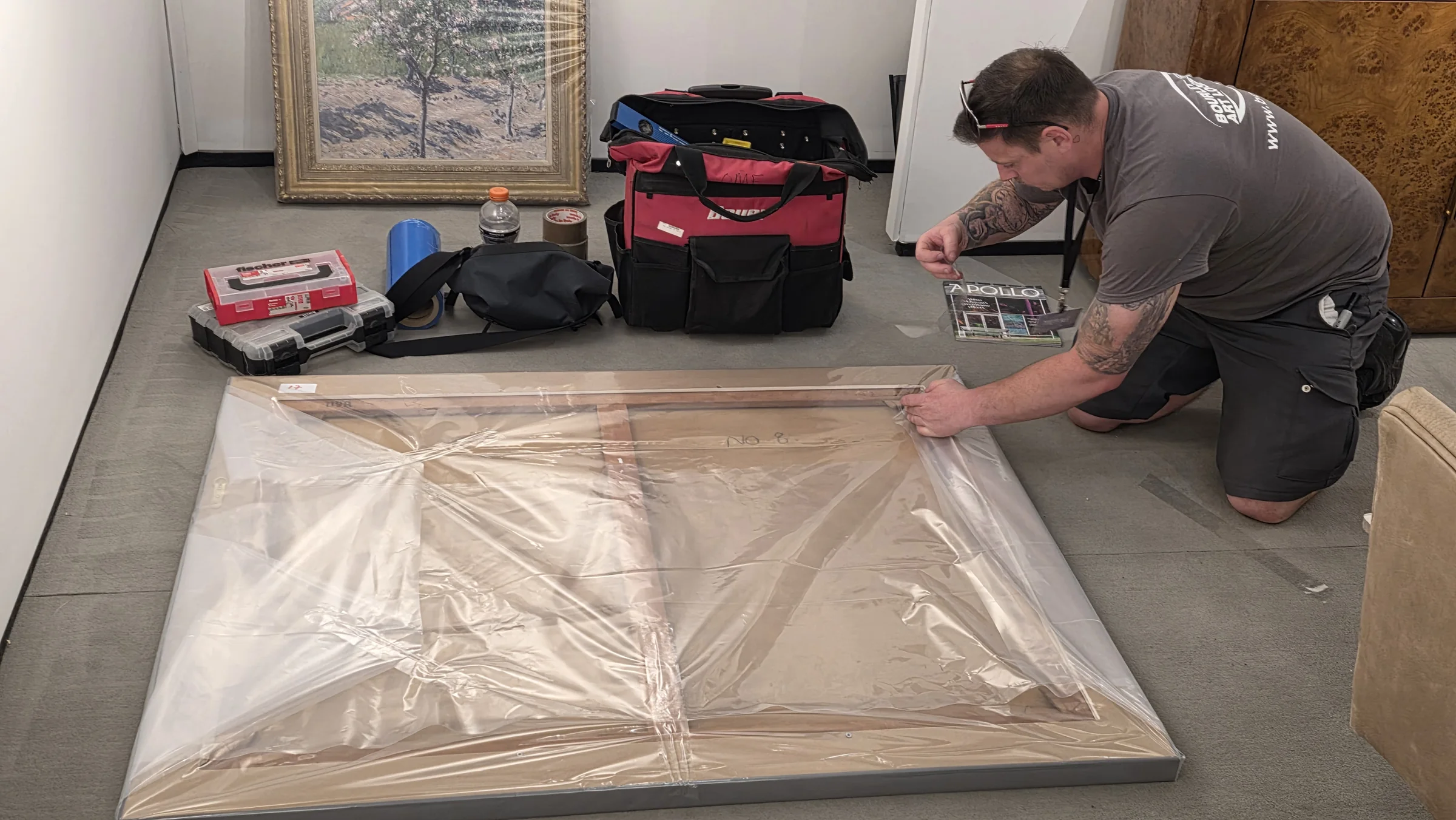
Collections, deliveries, returns, and transfers run as connected jobs instead of disconnected paperwork. Field teams scan and print labels from mobile devices on-site, while manifests, invoices, and billing stay tied to the same work order from start to finish.
- Collections, deliveries, returns, and transfers scheduled and tracked as connected jobs
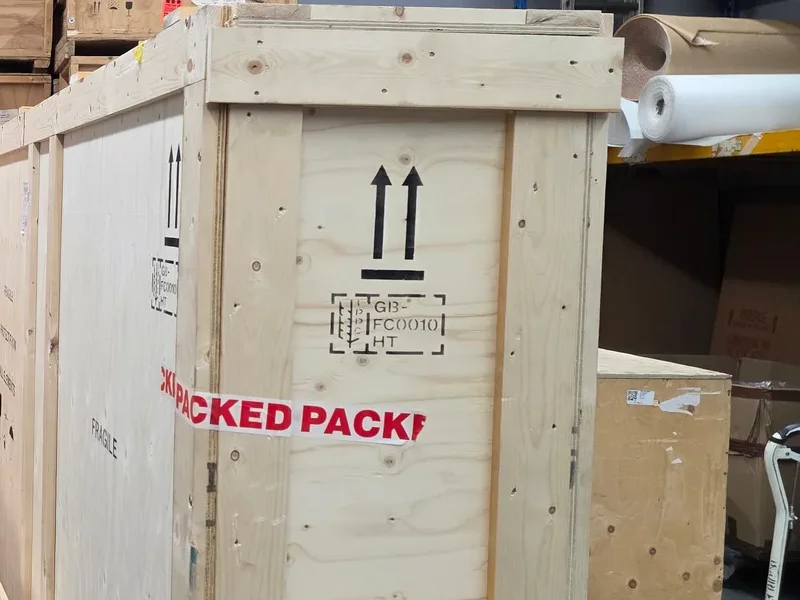
- Mobile warehouse scanning with on-the-spot label printing in the field
- Manifests, standard or free-form invoices, custom charges, and credit memos tied to the job
- Assign personnel and trucks, order the stops, add instructions, and generate a manifest PDF
Estimates, Recurring Storage Billing & Payments
Preparing the work and billing it should not require starting the same record again. ArtWMS supports estimates that customers can approve electronically. Approved estimates can be converted into jobs, work orders, and invoices, keeping the agreed services connected to the operational work.
Recurring storage invoices are based on what the customer stores. Job-related invoices can include services, custom charges, and associated work orders, with credit memos available when an adjustment is needed.
Customers can pay invoices online through an ArtWMS payment link, view their balance, and review paid invoices.
Create invoices directly in ArtWMS, export invoice data as CSV, or sync invoicing from ArtWMS to QuickBooks or Xero. Billing staff can work from the same jobs and services that the operations team recorded.
Customer Access, Security & Administration
Give clients visibility without giving up control. Galleries can grant approved artists and other contacts access to inventory associated with their account. Access is read-only by default, with broader account-level permissions available when authorized and multi-factor authentication required for customer access.
Approved contacts can review artwork photos and key inventory details, then request a condition report, delivery, or other work. A customer service representative reviews and coordinates each request before it is scheduled.
- Account-scoped inventory and artwork-photo access for approved customer contacts
- Role-based permissions for operational staff, invoice users, administrators, and customer-access users
- Read-only by default, with account-level edit permissions when granted and MFA required for customer access
- Passwordless passkey sign-in on compatible devices and browsers
- Condition-report and delivery requests reviewed by staff before scheduling
ArtWMS Behind the Scenes at an Art Fair
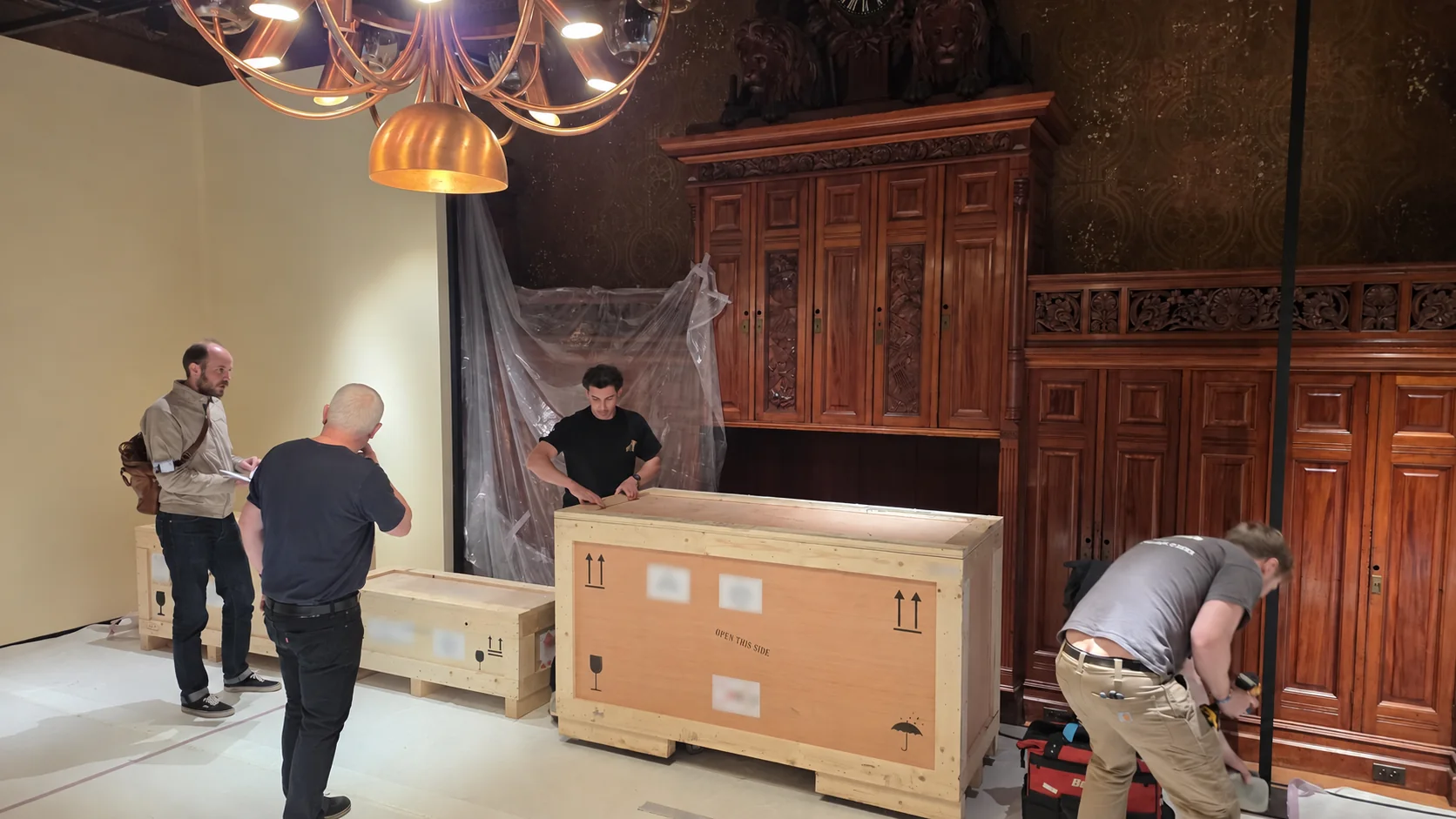
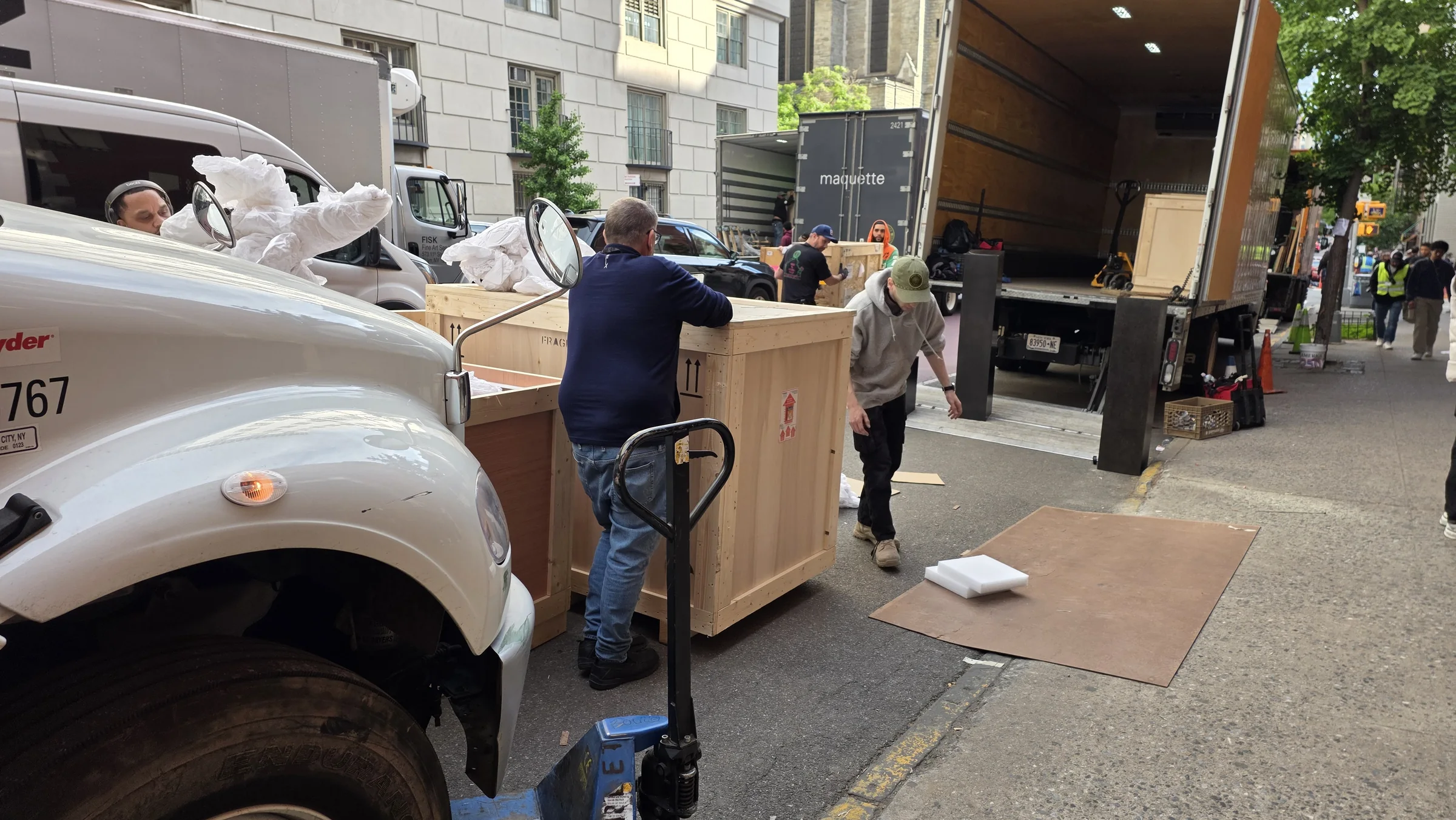
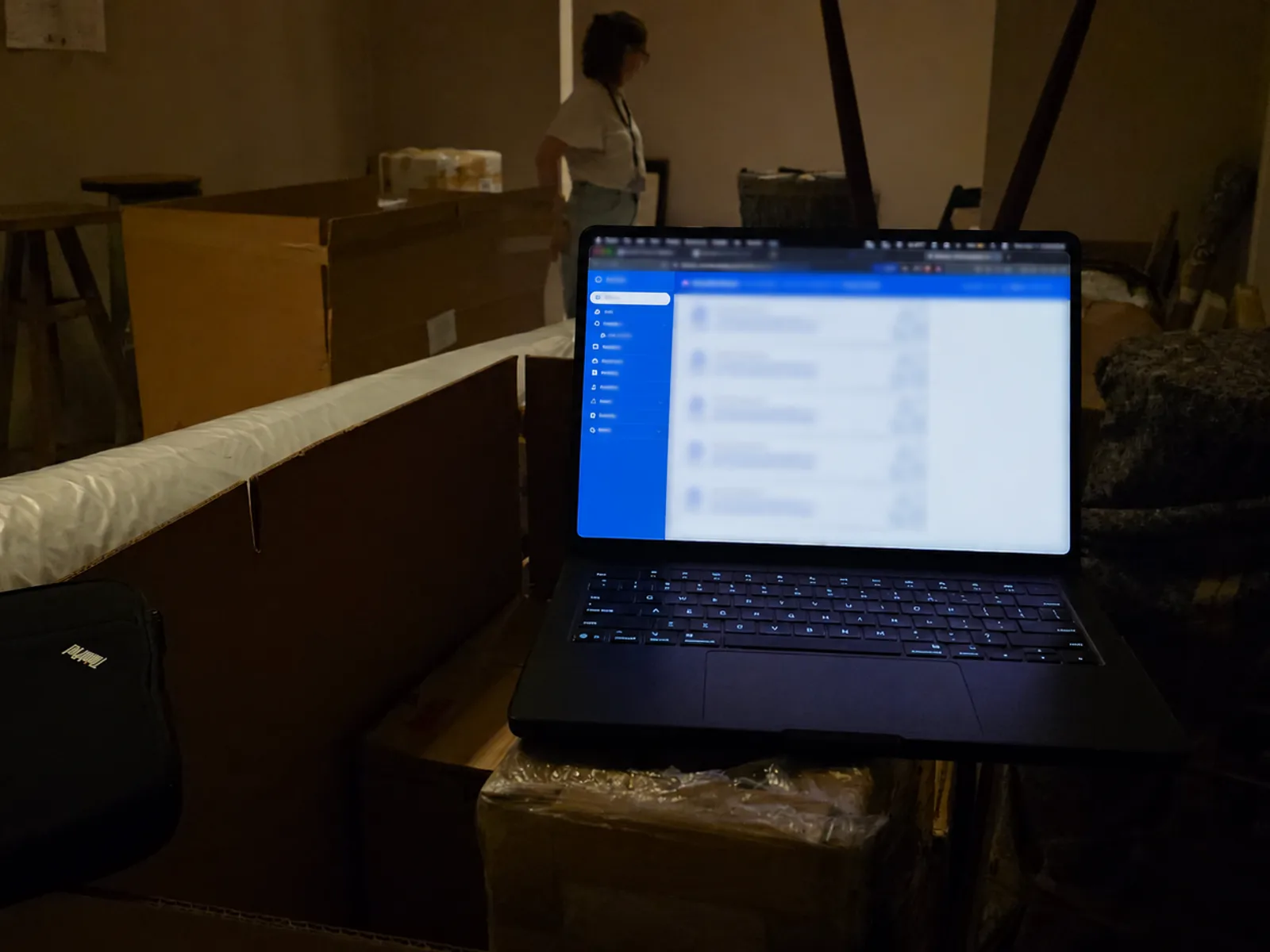
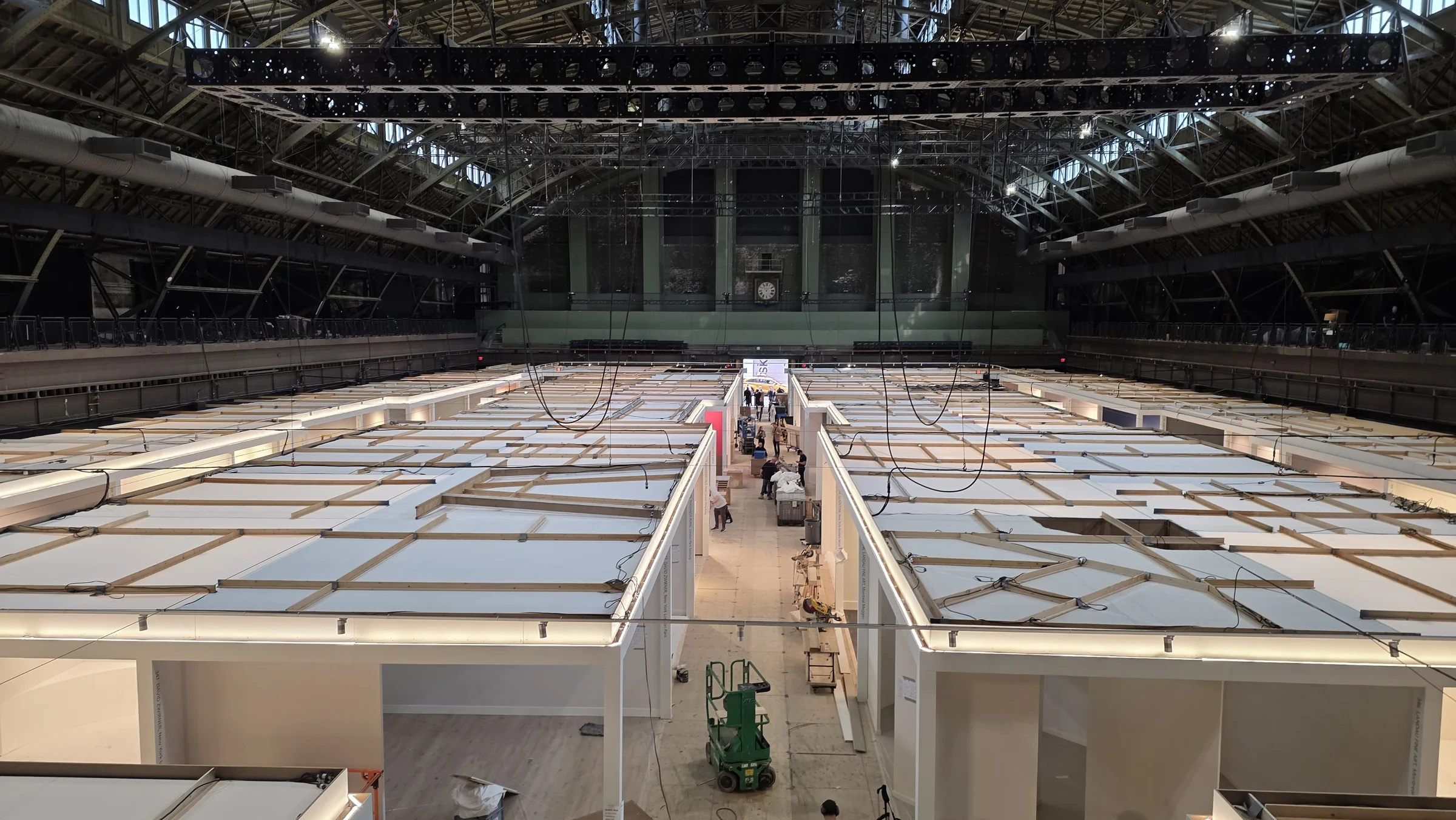
At TEFAF New York, an ArtWMS customer coordinated installation and deinstallation through linked jobs and work orders. Crews scanned QR labels, tracked artworks and crates through temporary warehouse locations, checked those locations during final audits, printed labels on site, and kept condition documents and movement history with each record. The customer reported zero lost items and no deliveries to the wrong stand for that operation.
See These Features in Action
Schedule a personalized demo to see how ArtWMS supports your fine art logistics operation.
Request a Demo